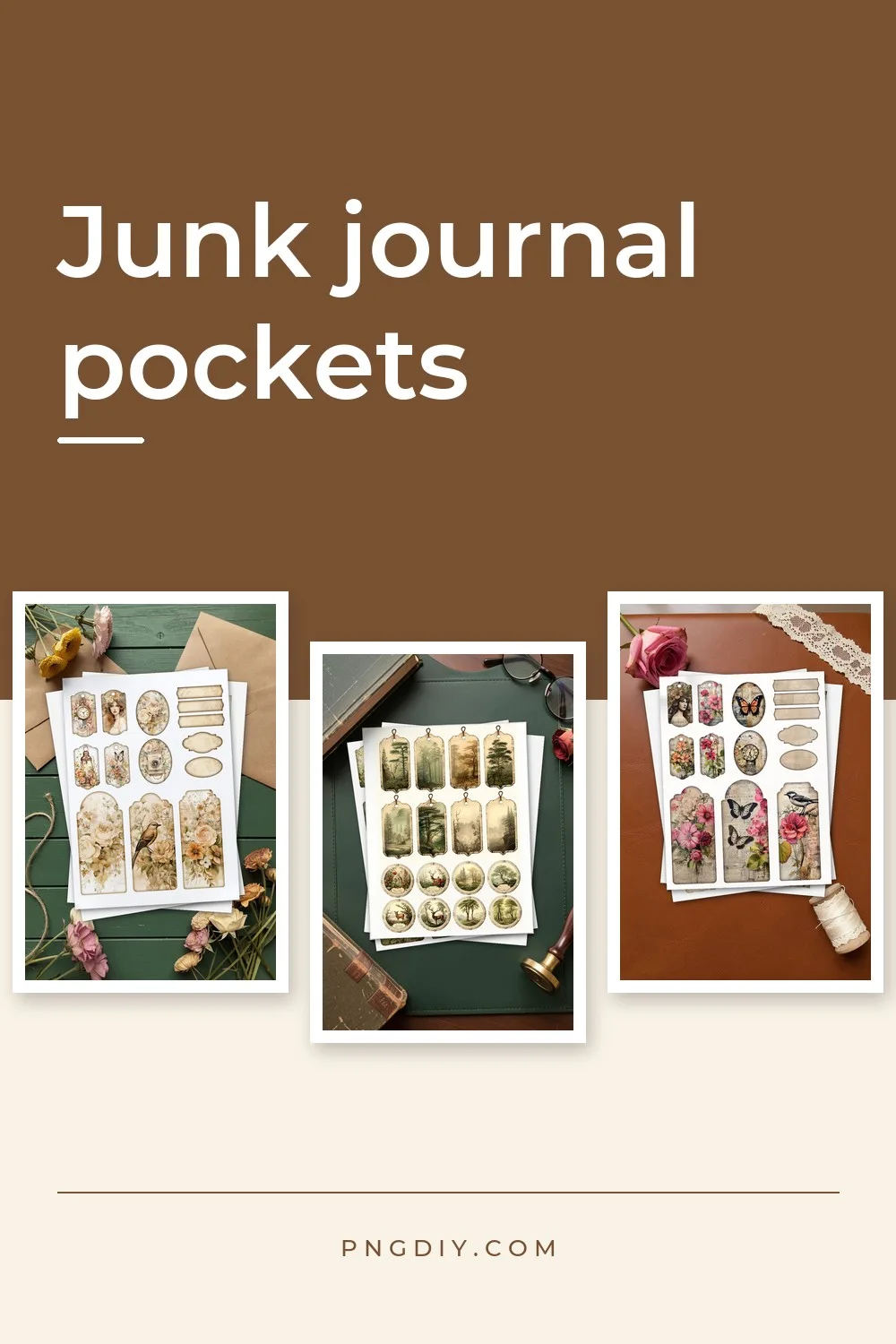
Junk Journal Pockets: 5 Ways to Make and Fill Them
A pocket is the part of a junk journal that does the most work. It holds the tags, tickets and little notes that do not fit on a page, and it turns a flat spread into something you open, pull things out of and put them back into.
There are five easy ways to get pockets, from printable pages that are already designed to a pocket cut to your own size. The sections below say how each one works and what to put in it.
Quick answer: to make junk journal pockets, either print a pocket page from a junk journal kit and fold it along the glue tabs, or make a pocket of any size with a template maker, print it on paper you like, cut it out and glue the sides. Both ways take about five minutes per pocket.
Five ways to get a pocket
1. A printable pocket page from a junk journal kit
Several kits in our catalogue include pocket pages: flat patterns that fold into a large envelope, a pocket envelope, a round envelope with four flaps, and arch and corner pockets with glue tabs. You print the page, cut around the pattern and glue the tabs. The patterns and the tags that go inside them share one colour story, so a pocket never looks out of place in its journal.
2. Nature and honey kits with pockets and envelopes
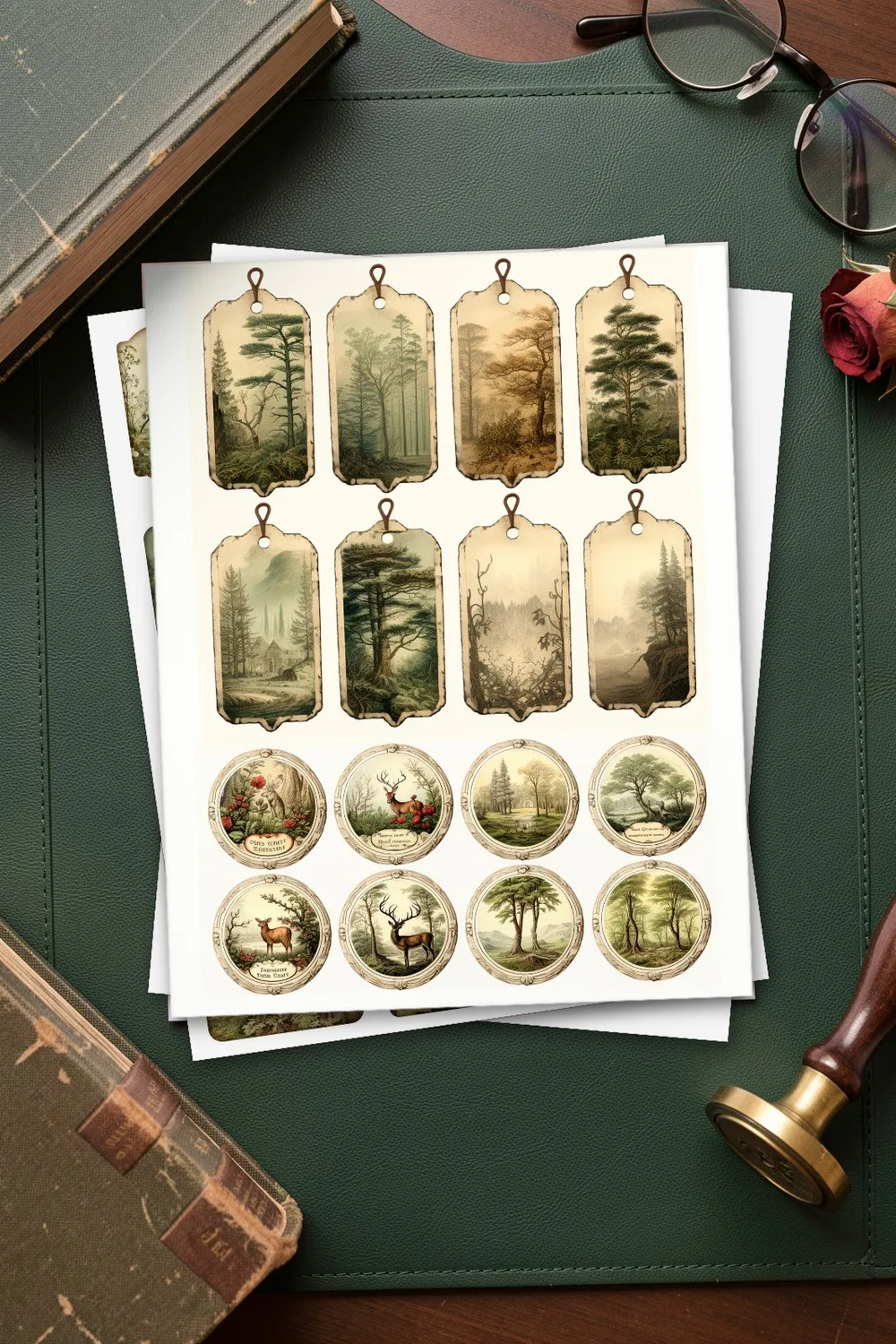
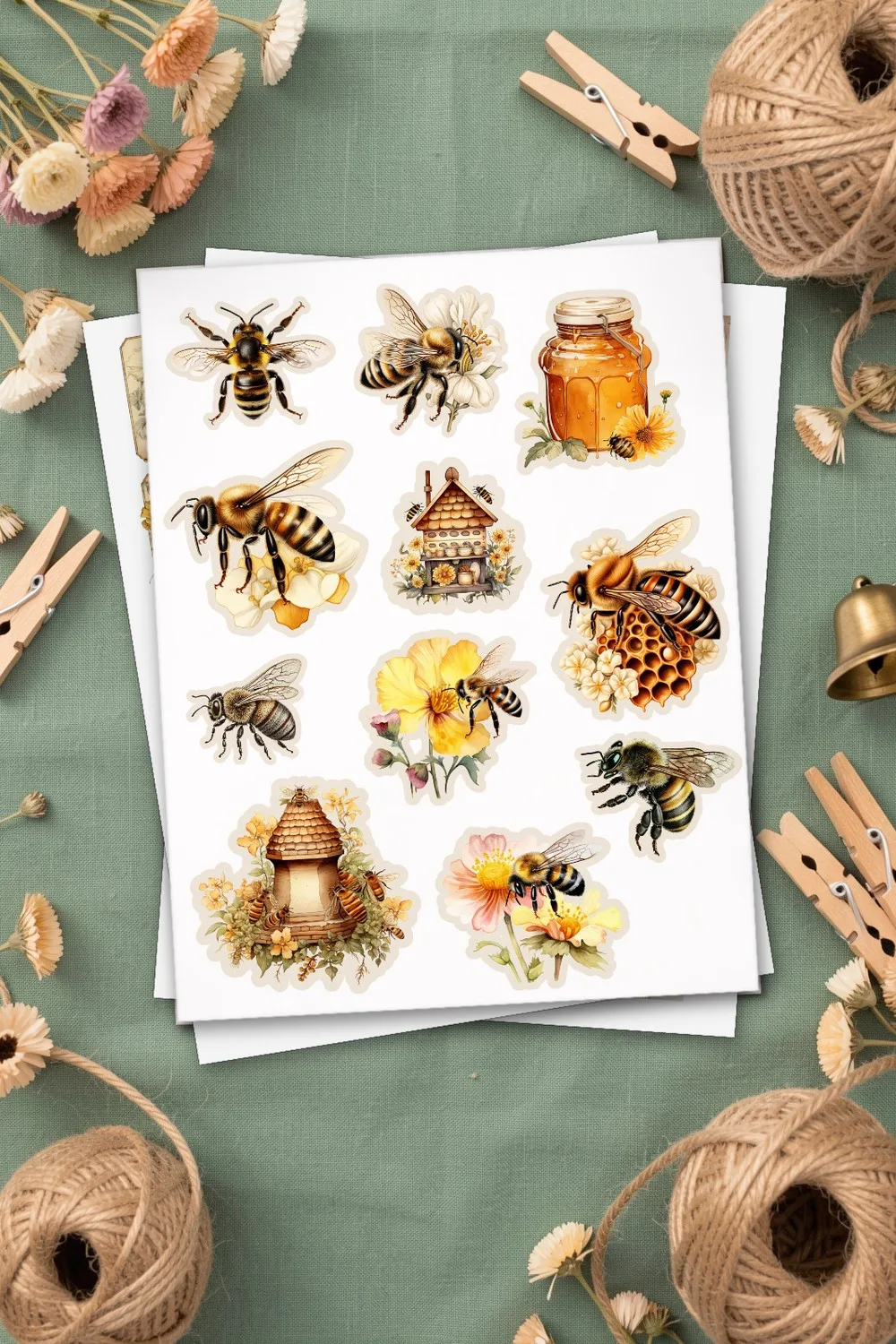
The forest kit makes pockets and envelopes out of misty trees, deer, birds, ferns and mushrooms in moss green and warm brown. The bee kit adds honeybees, hives and honeycomb and includes a page of fussy cuts to glue on the front of a pocket as a focal point.
3. A pocket cut to your own size
When a ready pocket is too small for your photos or too big for a spread, make your own. Our Template Maker draws a pocket in the size you type, in inches or centimetres, with a straight, slanted or curved top; a slanted top can be mirrored. It fits the pattern on a Letter, A4, Tabloid or A3 sheet, rotates it if that helps, and shows how many copies fit on one page.
You download a PDF at actual size (there is a 2 inch control line at the bottom to check your printer) or an SVG for a cutting machine. Solid lines are cuts and dashed lines are folds. Print it on any scrapbook paper from our catalogue and you have a pocket that matches your pages.
4. An envelope pocket with a flap
The same Template Maker makes an envelope with a pointed or a straight flap. An envelope is a pocket that closes: good for a letter, a seed packet, a gift card or a photo you want to keep private. The flap says “glue” where the paste goes, and the dashed line shows where to fold.
5. A pocket with tags
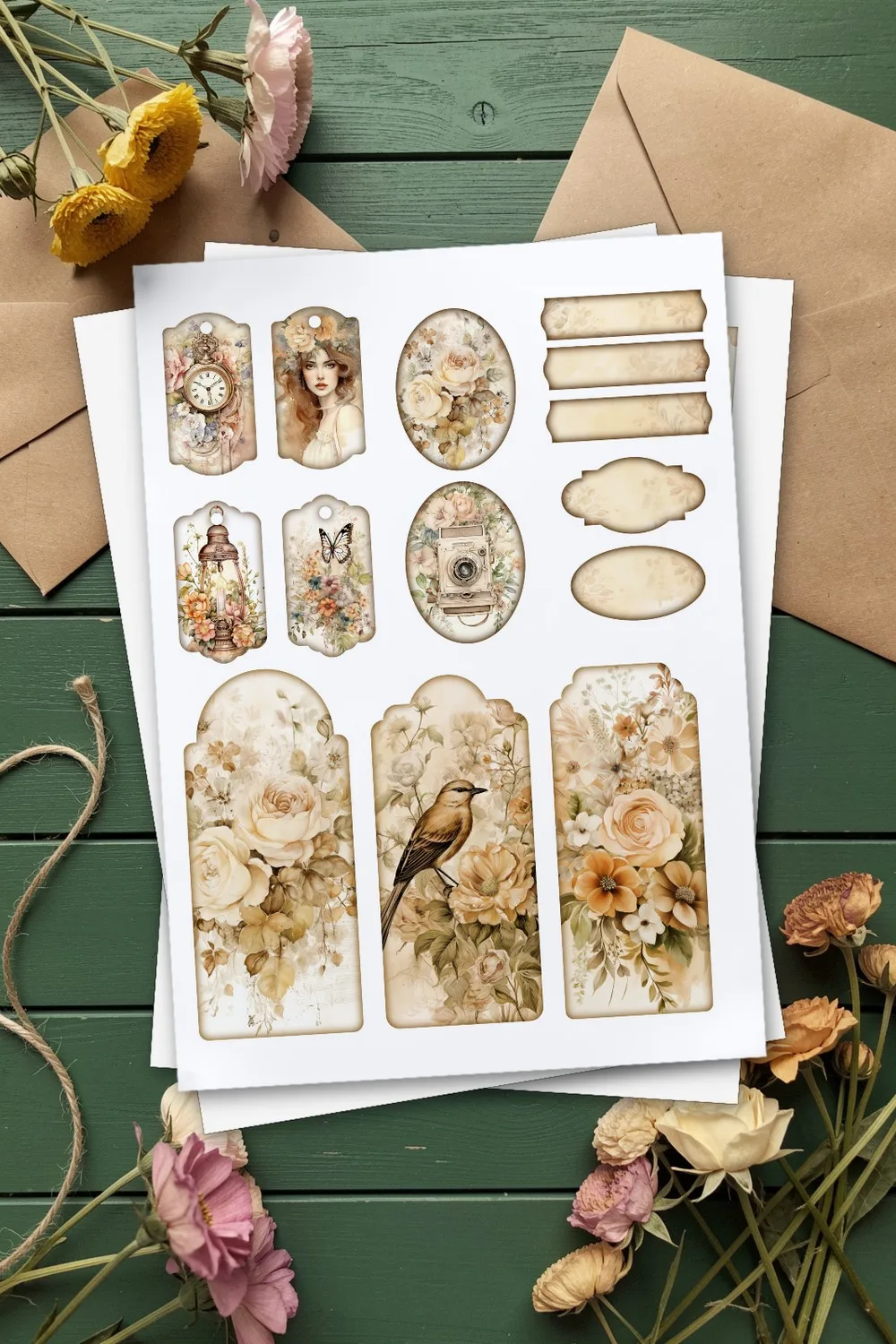
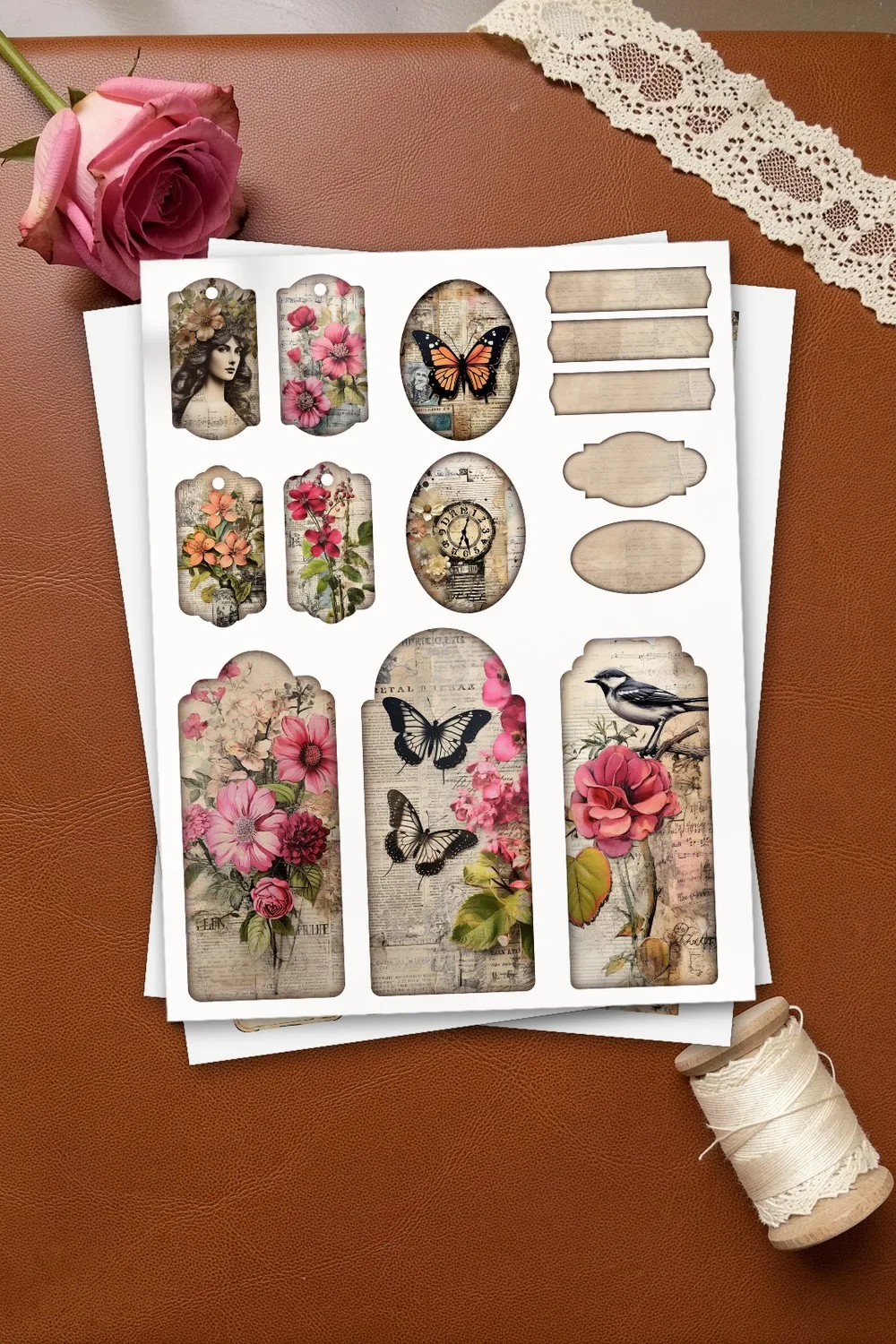
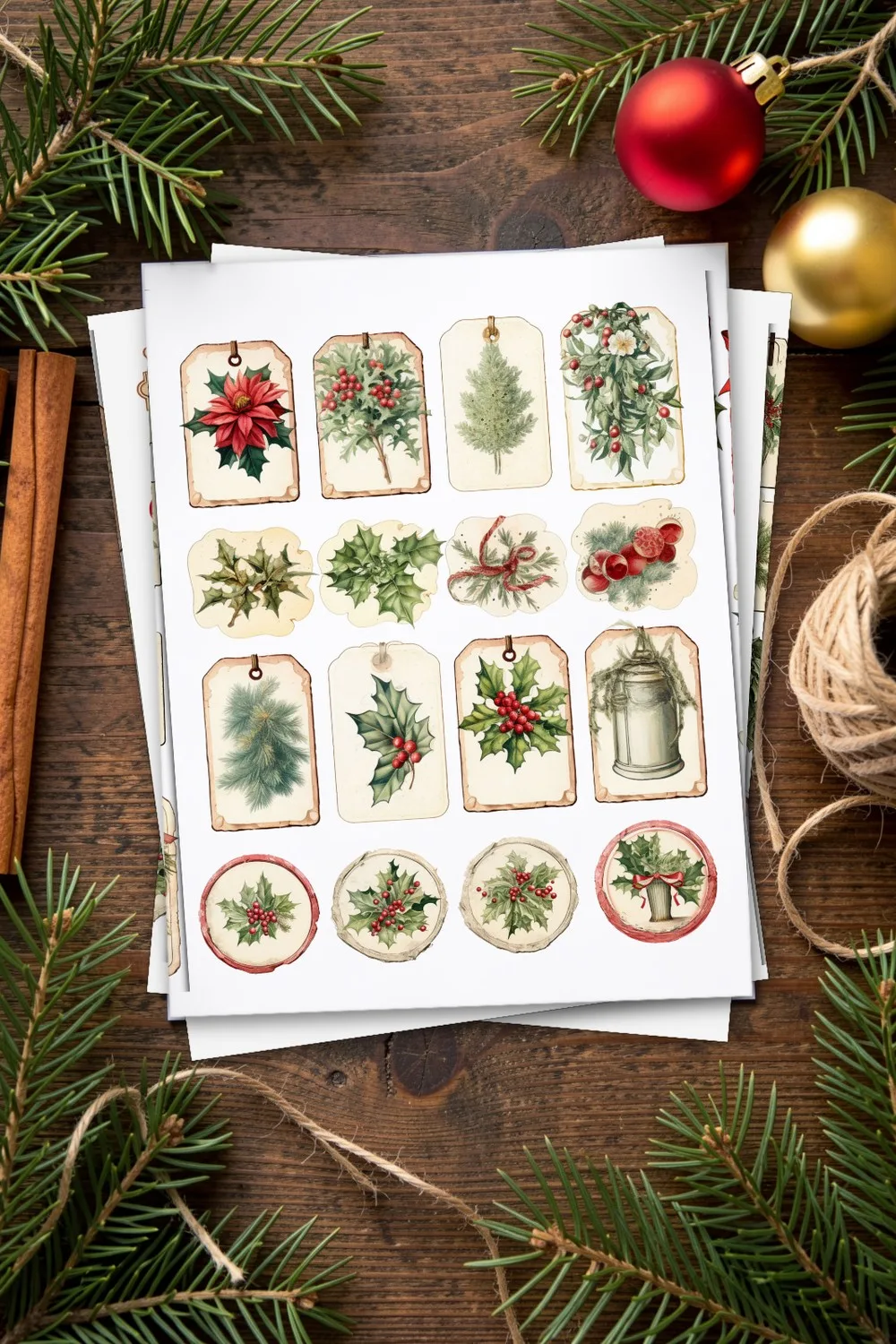
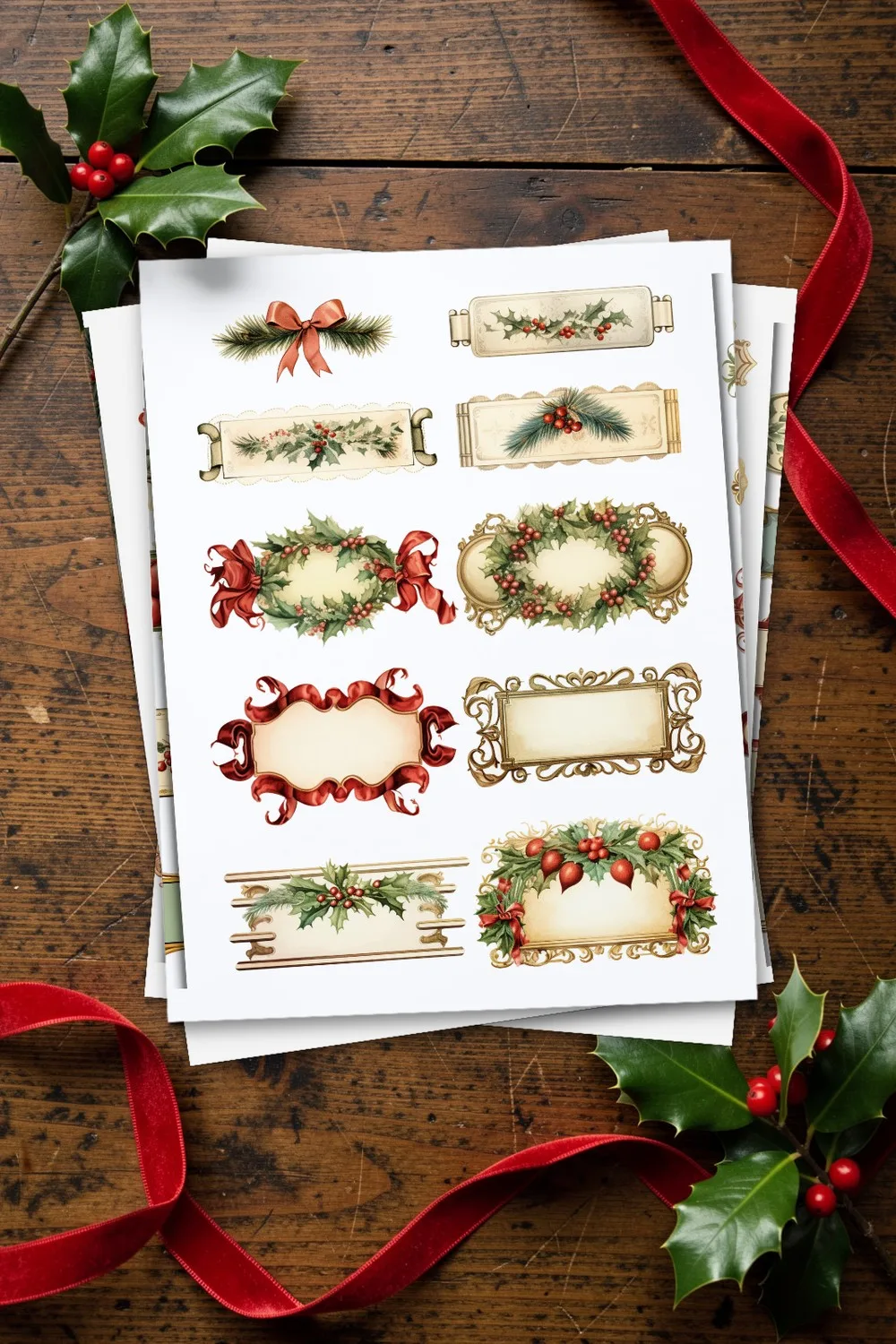
A pocket looks unfinished without something sticking out of it. Print a page of tags or labels and slide a few into the opening: small ones for tucking in, medium ones with a single sprig, large framed ones with room for a few written lines. Christmas kits have this ready-made, with labels long and narrow enough to run across an envelope flap.
What to put in a junk journal pocket
- Tags with a date, a name or a single word about the day.
- Tickets, receipts and maps from a trip, folded so the pocket still closes.
- Small cards with a quote, a recipe or a note to read later.
- Photos that did not fit on the spread, printed small with a white border.
- Pressed flowers or leaves between two sheets of tissue.
- A hidden message behind a tag, to find when you turn the page.
How to put a pocket together
- Print and cut. Print the page, then cut along the solid line. A craft knife and a ruler make clean edges on the straight sides.
- Fold. Score the dashed lines with the back of a scissor blade or a bone folder, then fold.
- Glue the tabs. Use a glue stick or double-sided tape on the tabs only; leave the opening free.
- Glue the pocket onto the page along three sides, or tuck the back side behind a page so the pocket sits inside the signature.
- Add the pieces to go in it. Slide in the tags and cards so that a corner shows.
Printing notes
- The kit pages are Letter size, 8.5 × 11 inches, so they print without scaling on a Letter printer. On A4, choose “Fit to page”.
- Heavier paper makes sturdier pockets. A light cardstock, about 65 lb, holds its shape; ordinary printer paper can sag when the pocket is full.
- Print one test pocket first and check the fold lines before printing the whole sheet.
- For the Template Maker, check the 2 inch control line after printing; if it is shorter or longer, switch off “scale to fit” in the print dialog.
Questions about junk journal pockets
How big should a junk journal pocket be?
Make it a little smaller than the page it goes on. A pocket 4 × 5 inches fits a 6 × 8 inch journal page, and the Template Maker can draw any size you need.
What is the difference between a pocket and a tuck?
A pocket is closed on three sides and holds things inside. A tuck is a folded sheet with a slit or a pocket on its front; it opens like a small book. Both can be made from the same printable pages.
Can I use the kits for a journal that I sell?
The kits listed here are described by their designers as including a commercial license. Check the product page for the exact terms before you sell anything.
Do I need a cutting machine?
No. Scissors and a ruler are enough. The SVG file from the Template Maker is for people who already have a Cricut or a similar machine.
More to print and make
The printable sets on this page are made by independent designers and hosted on Creative Fabrica. Downloading is free with their free trial: a payment card is needed to start it, and you can cancel the subscription at any time. Each set has its own page here with every sheet shown before you download.
PNG DIY may earn a commission when you sign up with Creative Fabrica through the links on our pages, at no cost to you. See our affiliate disclosure.