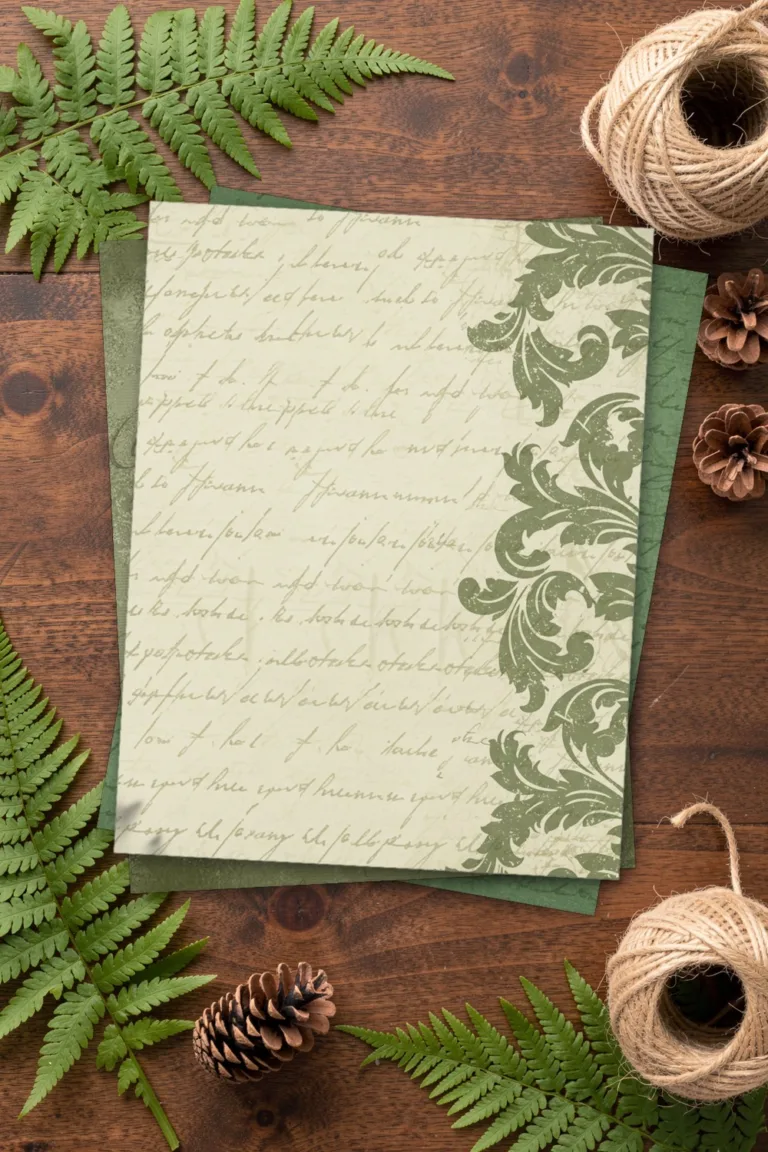
28 Light Vintage Paper Background
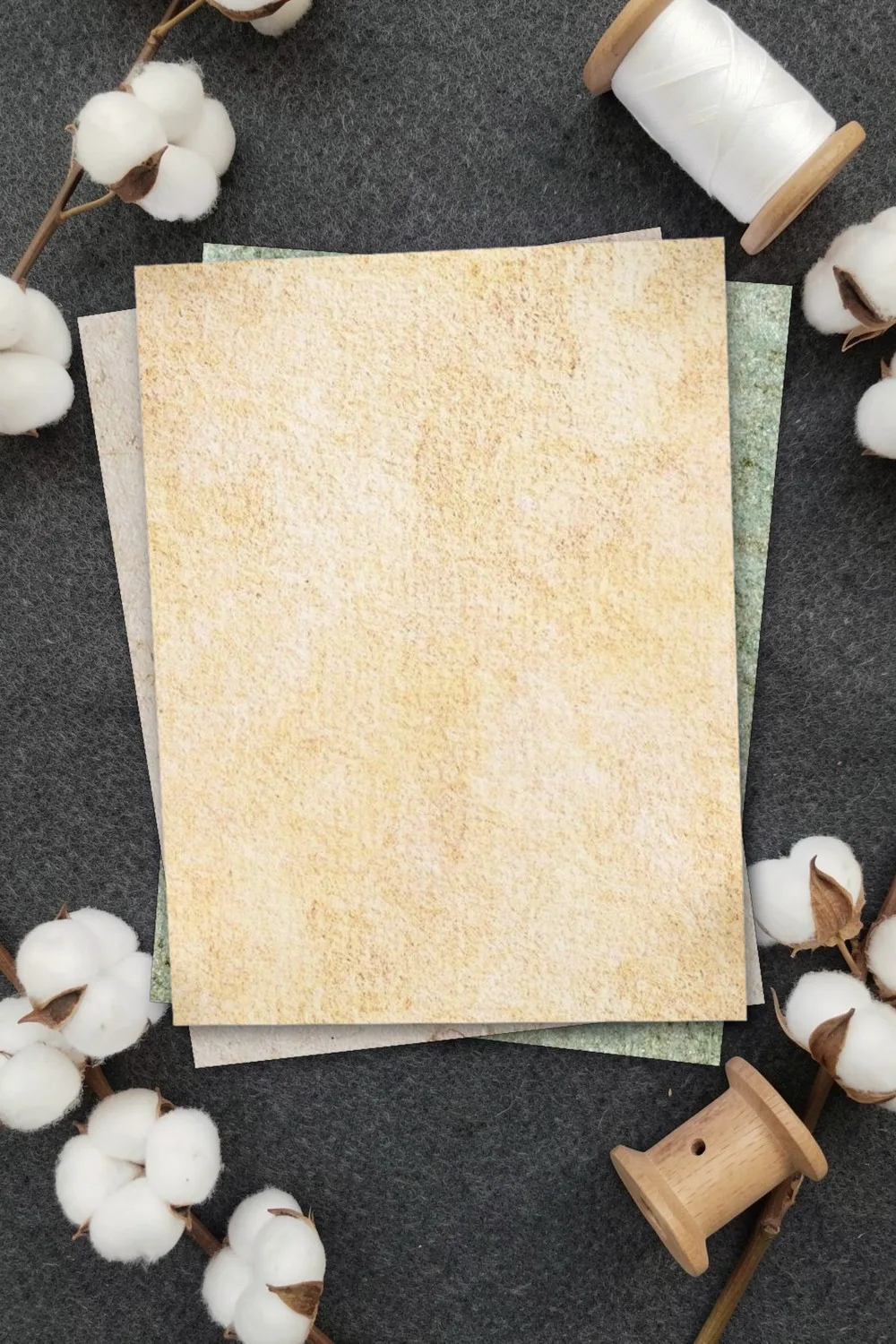
Twenty-eight light vintage papers: white, ivory, beige, warm yellow and sage green, aged with fine cracks, speckles and darker edges.
- In the pack
- 28 paper backgrounds
- Sheet size
- 3000 × 3000 px
- License
- Commercial license included
The files are hosted on Creative Fabrica. Downloading is free with their free trial: a payment card is needed to start it, and you can cancel the subscription at any time.
Design by Millie Her Majesty.
What is in the pack
Most vintage paper packs are dark. These are light on purpose, so writing and stamping stay readable and a printed sheet uses little ink. The designer names scrapbooking first and tags the set as antique style, old paper, old script and handwriting.
The sheets are square, 3000 × 3000 px, which prints as 10 × 10 inches at 300 DPI.
Try a paper on a tag, an envelope, a pocket and a card
Ideas for using these papers
- Writing pages for a journal. Light enough to write on with any pen.
- Backgrounds for photos. A pale aged sheet does not fight with the picture.
- Cards and tags. Stamp or print a greeting straight onto the paper.
- Layering. Tear the edges and glue a light sheet over a darker one.
- Recipe and letter pages. An old-paper look for handwritten recipes.
Colour palette of the pack
- Cream
#EFE9DC - Beige
#D8CDBF - Pale orange
#F5DEB2 - Grey
#A8B094 - Light grey
#B6C1AB - Pale pink
#FBF2F0 - Light orange
#F1D19E
The colours are sampled from the preview images of the designer. Screens and printers show them a little differently, so treat the codes as a starting point for matching cardstock, ink or digital elements.
How a 3000 × 3000 px sheet prints at home
At 300 DPI a 3000 × 3000 px sheet is 10 × 10 in (25.4 × 25.4 cm).
| Paper | “Fit to page” | 100% (“Actual size”) |
|---|---|---|
| Letter | The whole sheet at 80%: 8 × 8 in | An 8 × 10 in piece of the pattern at full scale |
| A4 | The whole sheet at 78%: 19.7 × 19.7 cm | A 19.7 × 25.4 cm piece of the pattern at full scale |
One sheet printed on Letter paper at 100% is enough for:
Each link opens the Template Maker with that size ready to print on the back of the sheet.
Printing tips
- Open the file in any image viewer or drop it onto a blank page in a text editor, then choose Print.
- Choose “Fit to page” for a whole small sheet, or 100% to keep the pattern at its full scale.
- Pick matte paper or light cardstock and select the same paper type in the printer settings.
- Set print quality to “Best” or “High” and print one test page before you print the set.
Colours may look a little different on paper than on screen: that depends on the printer and the paper.
More scrapbook paper
PNG DIY may earn a commission when you sign up with Creative Fabrica through the link on this page, at no cost to you. See our affiliate disclosure.