Paris France Stickers, Printable Sticker
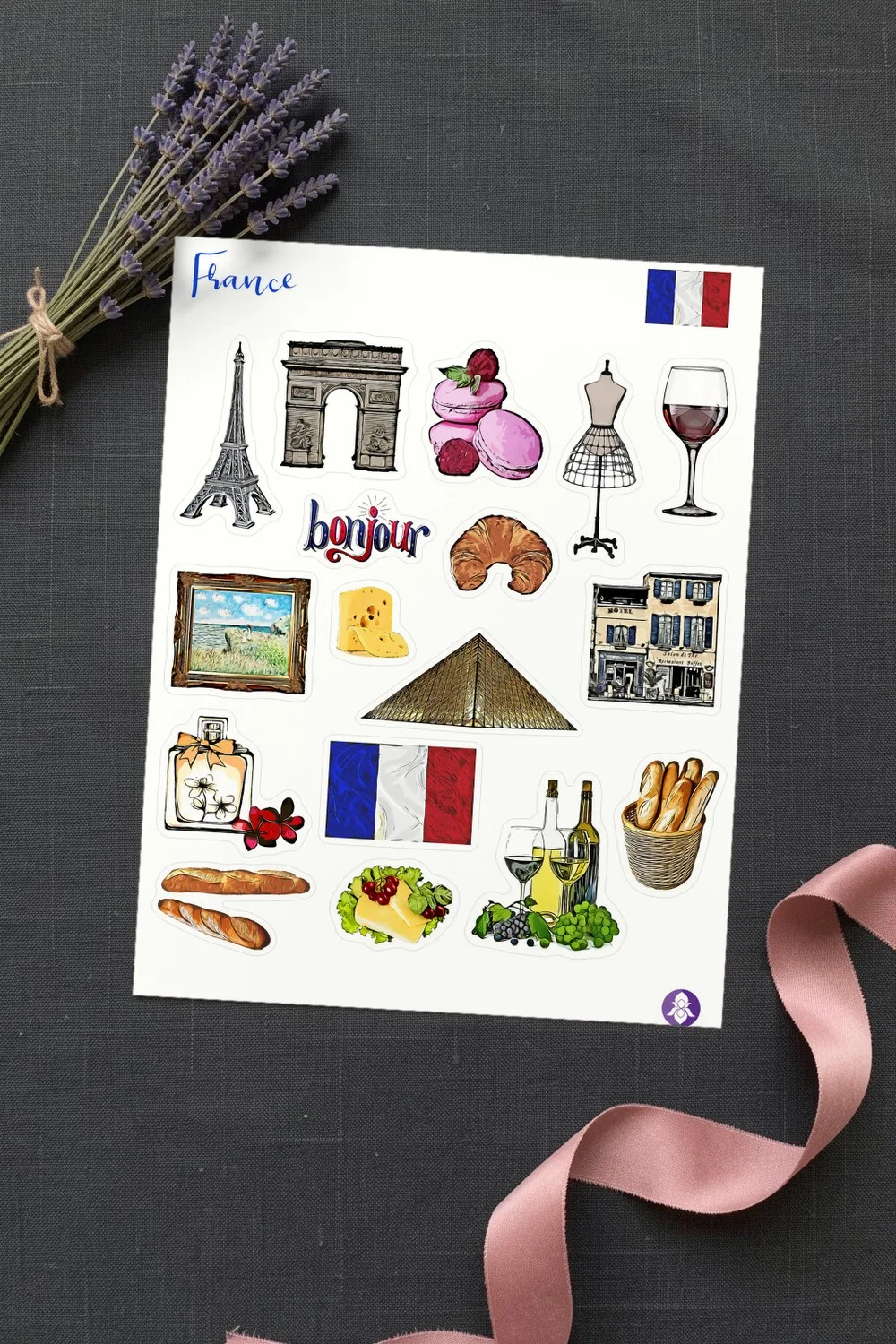
A printable sheet of Paris and France stickers: the Eiffel Tower, the Arc de Triomphe, the glass pyramid, a hotel front, a framed painting, the French flag, the word “bonjour”, macarons, a croissant, baguettes, cheese, wine and a perfume bottle, each with a white border.
- In the set
- 1 printable sticker sheet
- Sheet size
- Letter, 8.5 × 11 in
- Resolution
- 300 PPI
- Files
- PNG with a transparent background, JPG, PDF
- License
- Commercial license included
The files are hosted on Creative Fabrica. Downloading is free with their free trial: a payment card is needed to start it, and you can cancel the subscription at any time.
Design by Iris Art Studios.
What is on the sticker sheet
The sheet covers the three things people bring back from Paris: the sights, the food and the small pleasures. There are landmarks for the title of a page, pastries and cheese for the café pages, and a dress form and a perfume bottle for the shopping ones.
Every sticker has a white outline that is easy to follow with scissors. The set comes as a transparent PNG, a JPG and a PDF of the same sheet.
The sticker sheet
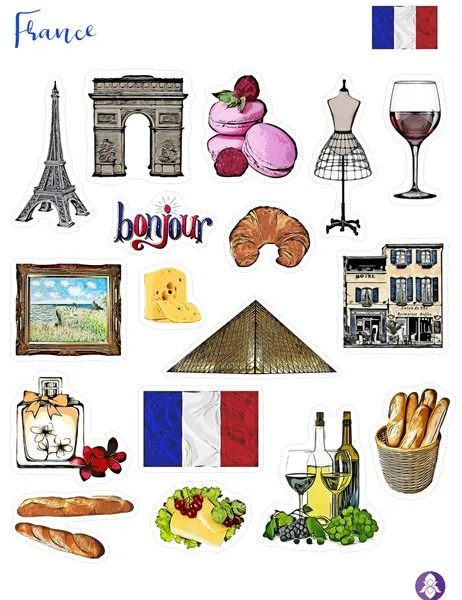
A closer look at the stickers
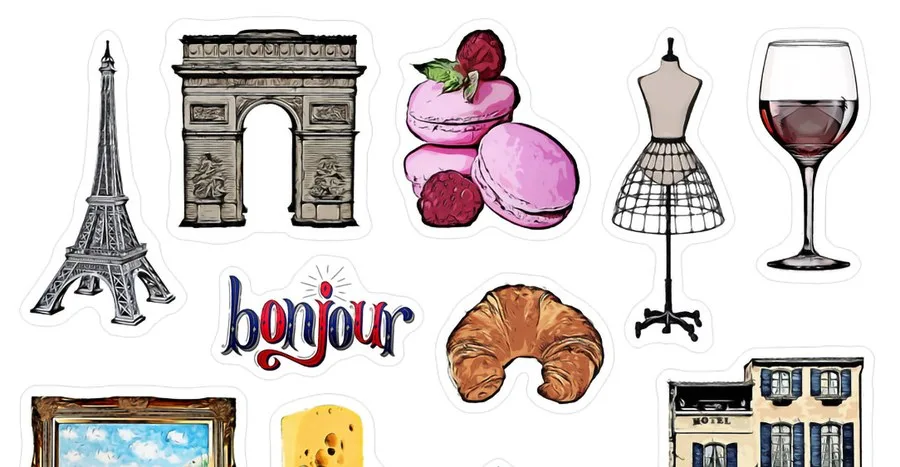
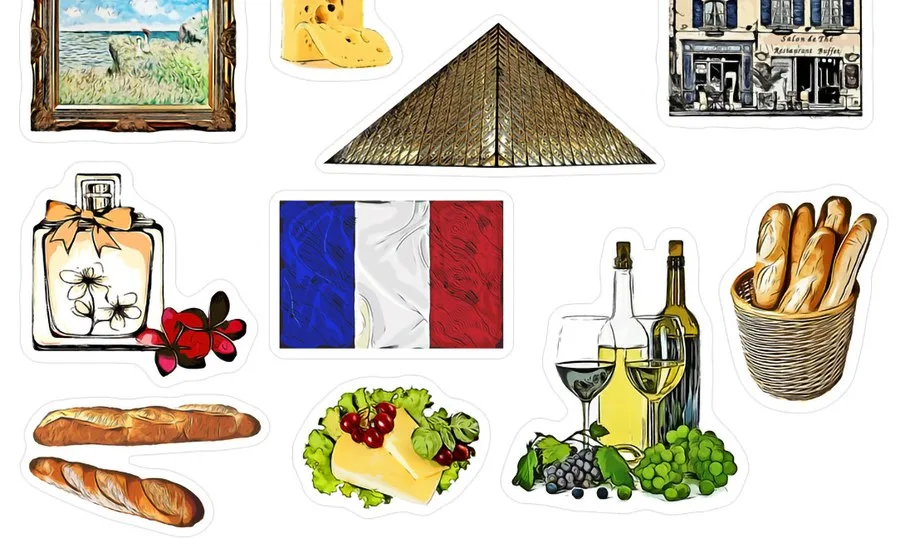
Ideas for using the stickers
- Travel journals. One page per day of the trip, with the landmark you visited at the top.
- Scrapbook layouts. Stickers around photos from Paris, with tickets and receipts tucked beside them.
- Junk journal pages. A French themed spread with old book pages, lace and a croissant on a tag.
- Planners. Count down the days to a trip or mark a French class in the week.
- Cards and invitations. A Paris themed birthday, a bridal shower or a farewell card for a traveller.
Colour palette of the stickers
- Brown
#735D35 - Orange
#B96D40 - Brown 2
#917C54 - Olive
#BCA54F - Dark pink
#633555 - Pink
#8C5872 - Deep red
#903430 - Light yellow
#E0CA67
The colours are sampled from the preview images of the designer. Screens and printers show them a little differently, so treat the codes as a starting point for matching cardstock, ink or digital elements.
How the sticker sheet prints at home
The sheet is Letter size, 8 1/2 × 11 in (21.6 × 27.9 cm), so it fills one sheet of sticker paper.
| Paper | Setting | What you get |
|---|---|---|
| Letter | 100% (“Actual size”) | Every sticker at the size the designer drew it |
| A4 | “Fit to page” | The whole sheet at about 97%: A4 is a little narrower than Letter, so at 100% the stickers at the side edges would be cut off |
For smaller stickers, print the sheet at 50–70%: the file is 300 PPI, so the stickers stay sharp when they are scaled down.
Printing tips
- Load matte or glossy sticker paper (self-adhesive, Letter or A4) and select the matching paper type in the printer settings.
- Open the JPG or PDF and choose Print, with print quality set to “Best” or “High”. Print one sheet on plain paper first to check the size.
- Cut the stickers out with small scissors, leaving a narrow white border around each one.
- With a cutting machine, upload the transparent PNG and use its print-then-cut mode: the machine cuts around each sticker for you.
- No sticker paper at home? Print on ordinary paper and fix the pieces with a glue stick: in a junk journal that works just as well.
Colours may look a little different on paper than on screen: that depends on the printer and the paper.
More scrapbook stickers
PNG DIY may earn a commission when you sign up with Creative Fabrica through the link on this page, at no cost to you. See our affiliate disclosure.